In today's digital age, phishing, vishing, and smishing have become common types of cyberattacks that threaten people's online security. These attacks are designed to trick individuals into revealing sensitive information, such as login credentials, credit card numbers, or personal data. In this article, we will explore what phishing, vishing, and smishing are, and what steps people can take to protect themselves from these attacks.
Phishing: Phishing is a type of cyberattack that involves sending emails, text messages, or social media messages to individuals, posing as a legitimate organization or business. These messages usually contain a link or attachment that, when clicked, leads the recipient to a fake website that looks identical to the legitimate one. The goal of the attacker is to get the victim to enter their login credentials or other sensitive information, which the attacker can then use to steal money or sensitive information.
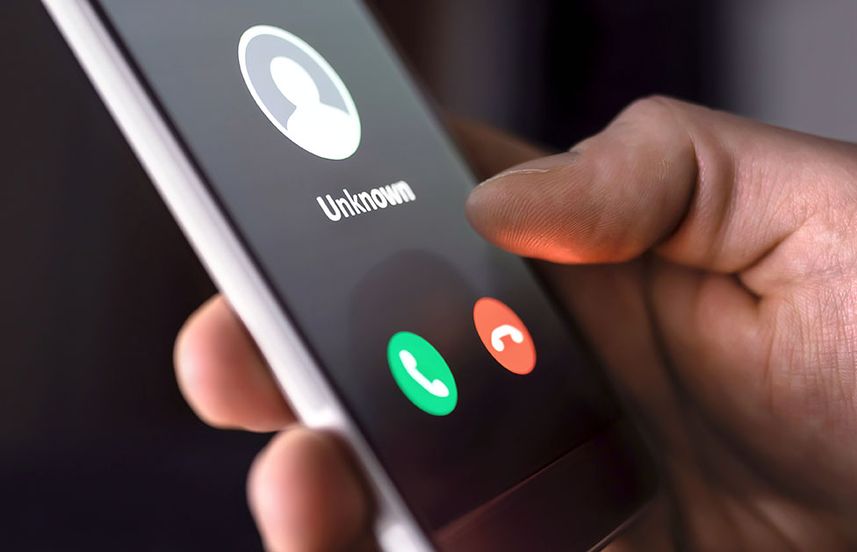
Vishing: Vishing, or voice phishing, is a type of phishing attack that involves phone calls. The attacker usually poses as a representative of a legitimate organization, such as a bank or government agency, and tries to get the victim to reveal their sensitive information. The attacker may use various techniques, such as urgency, threats, or promises of rewards, to get the victim to comply.
Smishing: Smishing, or SMS phishing, is a type of phishing attack that uses text messages to trick victims into revealing sensitive information. Like phishing attacks, smishing messages usually contain a link that, when clicked, leads the victim to a fake website. The attacker may also use social engineering techniques, such as urgency or fear, to get the victim to click the link.
Protecting yourself from phishing, vishing, and smishing: Fortunately, there are several steps you can take to protect yourself from these types of attacks:
- Be suspicious of unsolicited messages: If you receive an email, phone call, or text message from an unknown sender, be suspicious. Check the sender's email address, phone number, or website URL to make sure they are legitimate.
- Don't click on links or download attachments: Avoid clicking on links or downloading attachments from unknown senders, especially if the message seems suspicious or too good to be true.
- Verify requests for information: If someone asks you to provide sensitive information, such as your login credentials or credit card number, verify their identity first. Call the organization or business directly to confirm the request.
- Keep your software up-to-date: Keep your operating system, web browser, and other software up-to-date to ensure that you have the latest security patches and bug fixes.
- Use security software: Install and use security software, such as antivirus and anti-malware programs, to protect your computer and devices from cyberattacks.
- Educate yourself: Learn more about phishing, vishing, and smishing attacks so you can recognize them when they occur. Share this knowledge with your friends and family to help them stay safe online.
In conclusion, phishing, vishing, and smishing attacks are serious threats to our online security. By following the tips mentioned above, we can better protect ourselves from these attacks and keep our personal and sensitive information safe. Remember to stay vigilant and always be suspicious of unsolicited messages.

